
Projects have a home. AI lends a hand.
Plan projects with boards, notes, and a helping hand from AI. Free and open source. Easy to self-host with Docker.
Edit your workspace with Kainbu AI
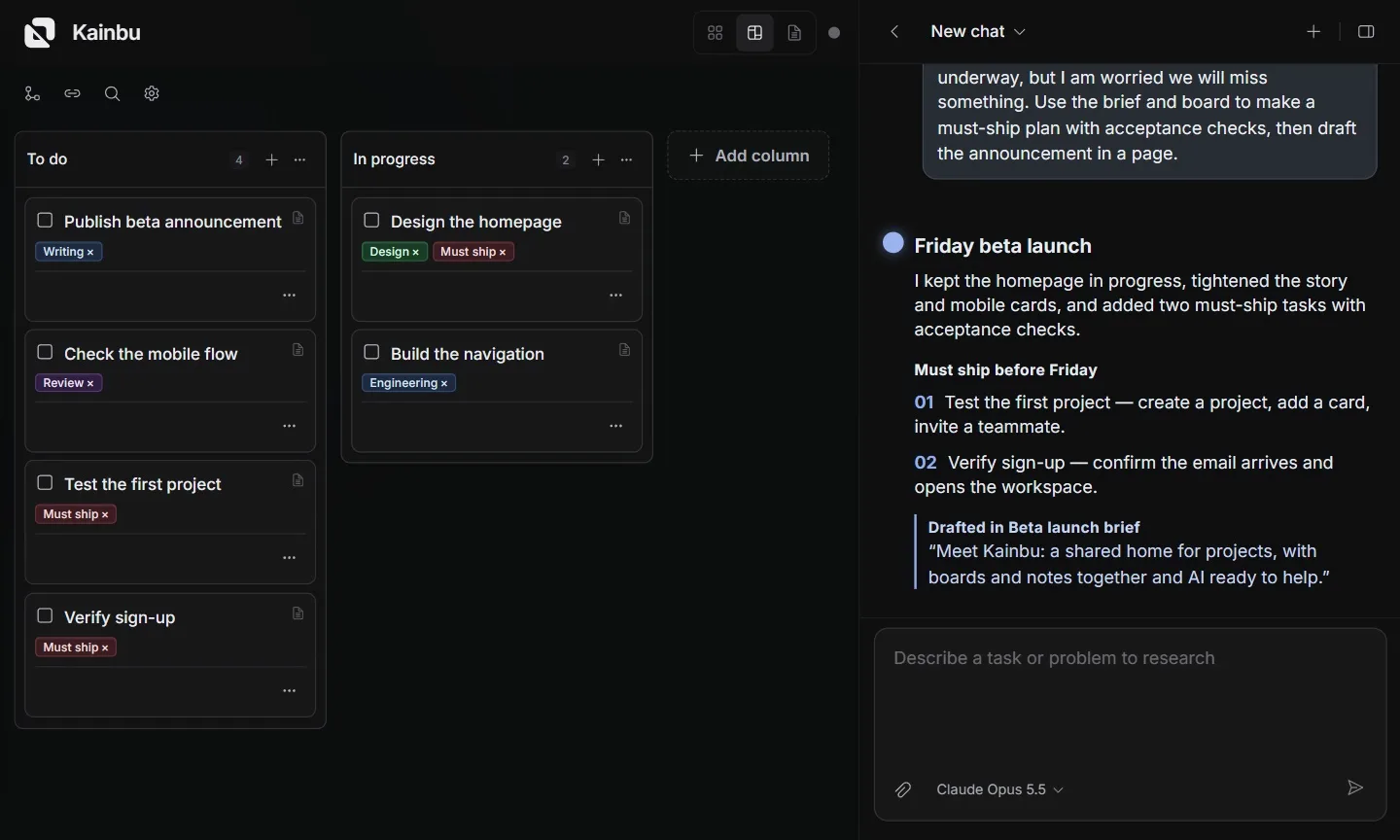
AI reads a beta launch brief, updates the board with acceptance checks, and drafts an announcement page using an example Kainbu project.
Give AI the context. Get a plan and a first draft.
Move it yourself.
Edit a card, then drag it into the next column.
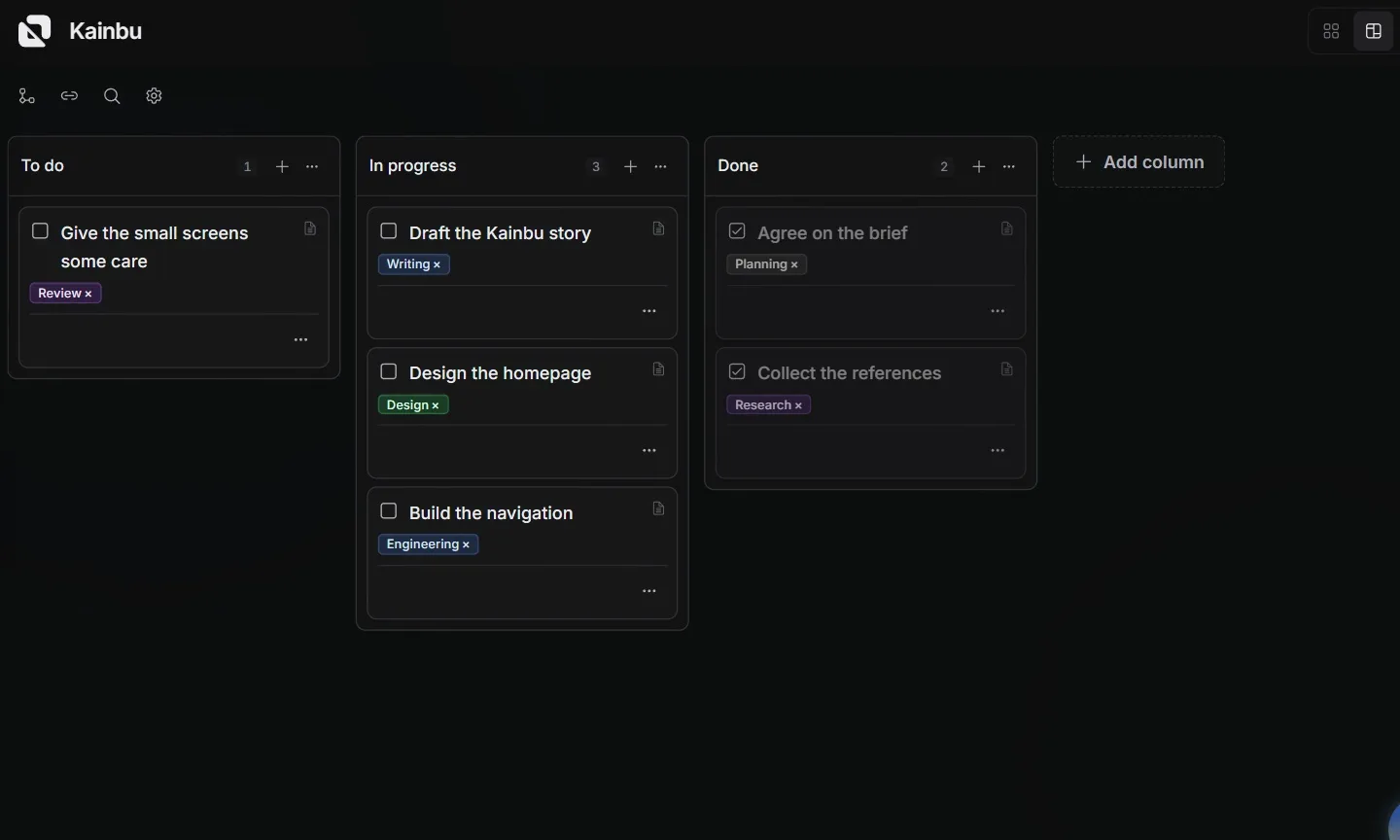
A Kainbu card is edited and dragged to In progress using an example Kainbu project.
Write the plan beside the board.
Open a page and write down what needs to happen next.
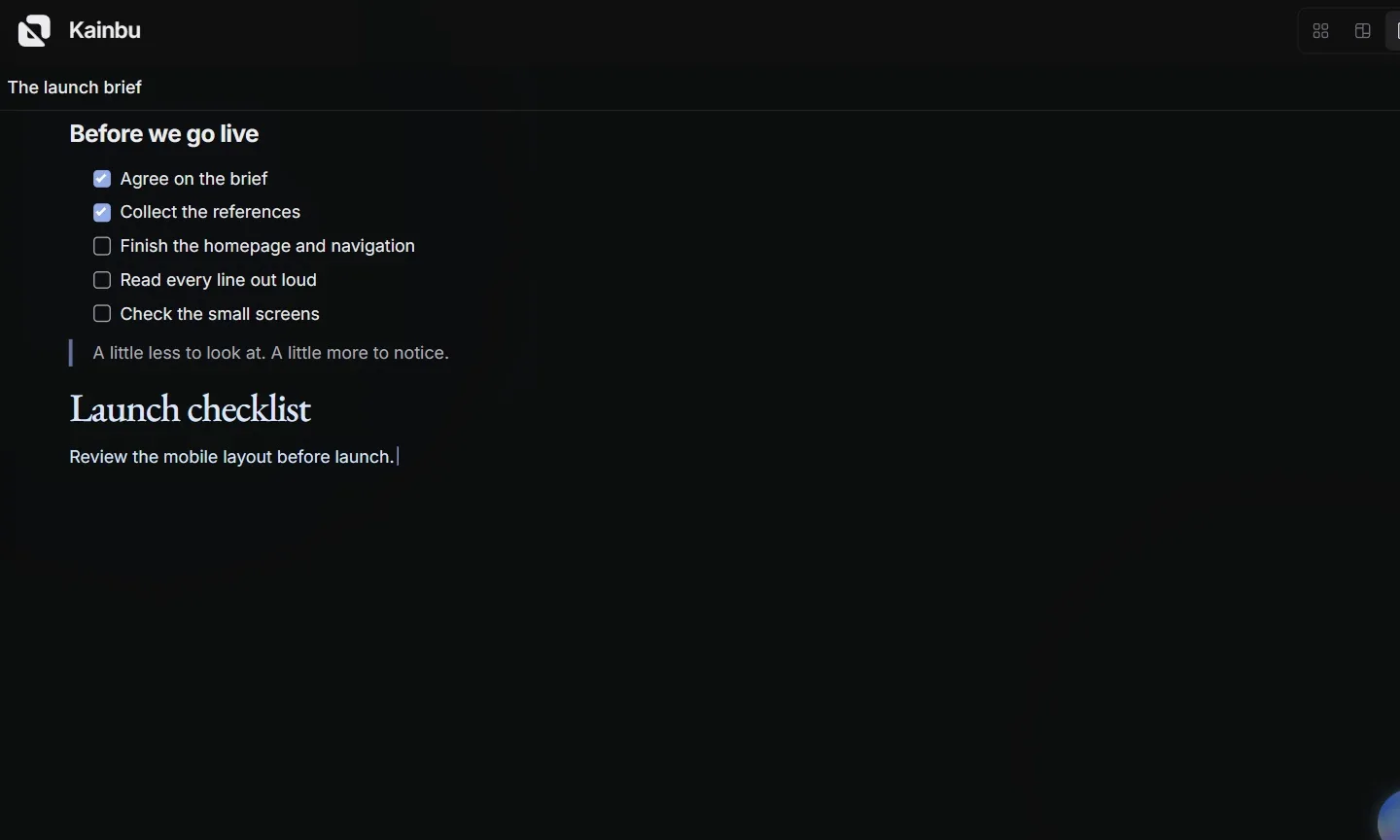
Pages opens and a launch checklist is written in Kainbu using an example Kainbu project.
From the terminal.
An agent reads the Kainbu skill, checks tasks, does the work, and updates the board.
Explore the CLI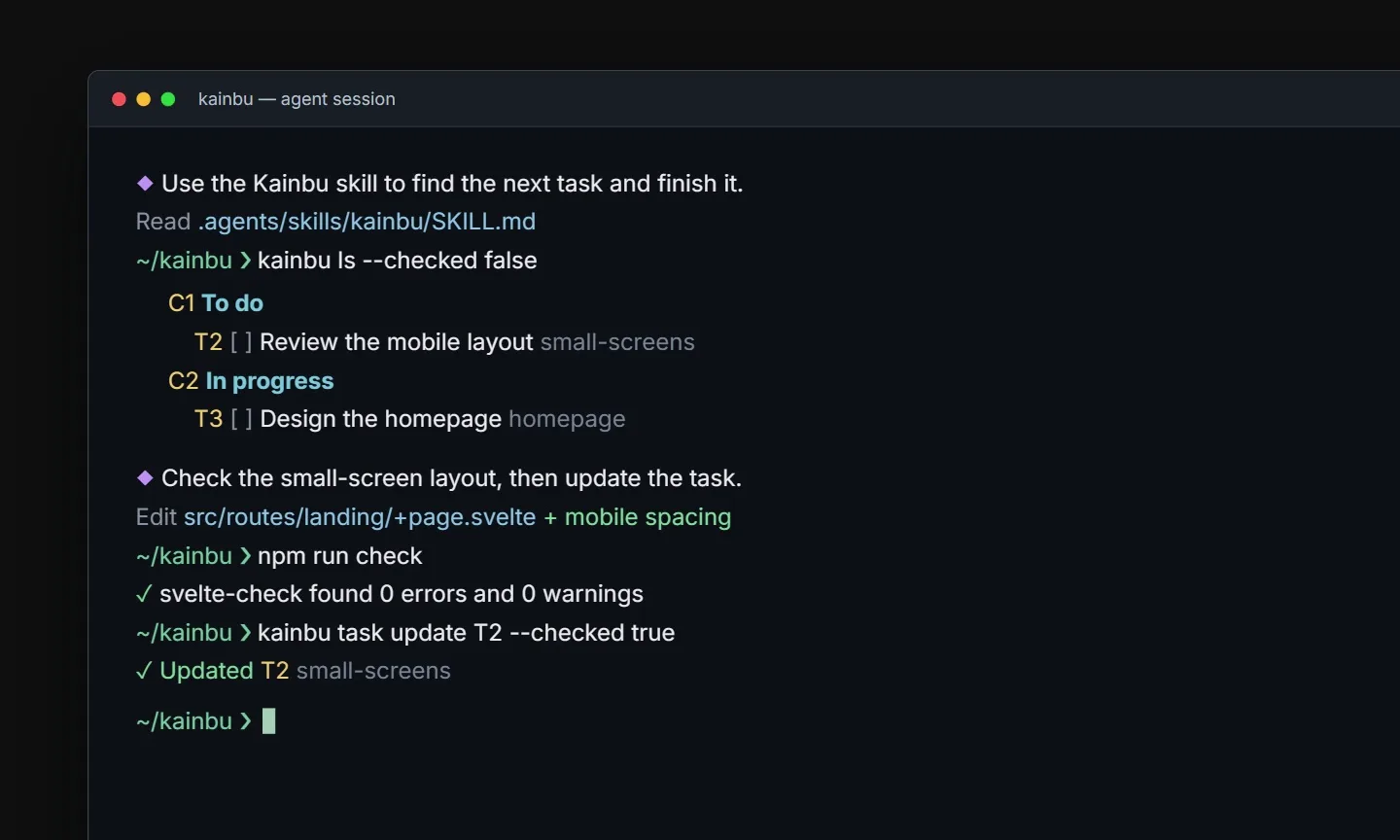
Terminal agent uses the Kainbu skill and CLI to inspect and update tasks using an example Kainbu project.
On your terms
- Self-hosting
- Run Kainbu on your own infrastructure with Docker.
- AI providers
- Bring your own keys. Choose the models you work with.
- Collaboration
- Invite your people into the project. Keep the context shared.
A few answers
Do I need to use AI?
No. Connecting an AI provider is optional.
Can I run it on my own server?
Yes. The repository includes a Docker setup and the instructions to get started. Read the setup guide